Media and Agencies
Kanban for the creative team, an approval step for deliveries, a workload screen for capacity
Media organisations and agencies live by delivery dates: the publishing calendar, campaign deliveries, revision rounds and client approvals. The creative team works on several projects at once, and who is on which job and which delivery is waiting for approval often stays buried in e-mail threads.
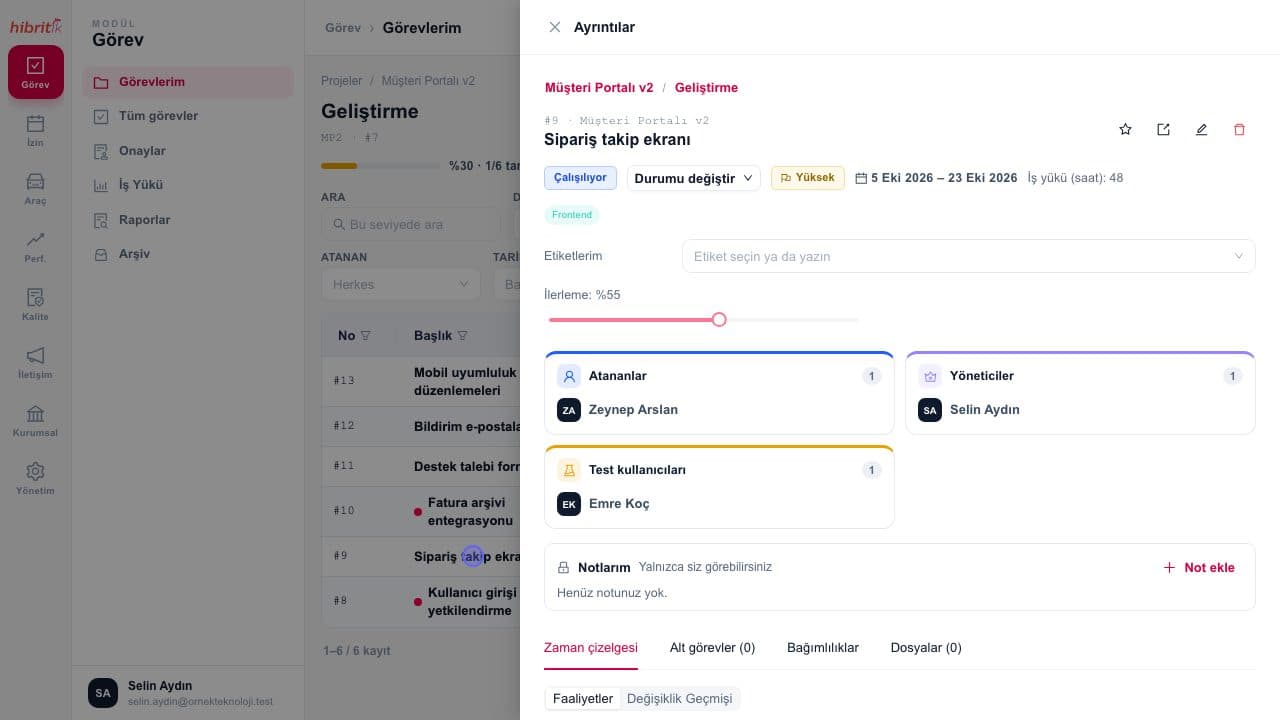
In HibritİK every client, publication or campaign becomes a project; work is split into subtasks, moves across Kanban columns and shows up with its due dates in the calendar view. Completed work passes through tester and manager steps, and work sent back returns to its owner with the reason. The workload screen shows who is full per person and week; revision rounds stay inside the task as activities and files. MEDYA A.Ş. is among the organisations using HibritİK.
References from this sector
 MEDYA A.Ş.
This sector’s problems and the HibritİK answer
The problems organisations in this sector run into most often, and how HibritİK answers each one.
- 1Problem
Work for several clients and campaigns gets mixed up in the same team
With HibritİKEach client or campaign is opened as its own project; work is split into subtasks and the same tasks are viewed as a list, Kanban board, Gantt chart or calendar.
- 2Problem
Revision rounds and approvals live in e-mail threads, and nobody knows which version is final
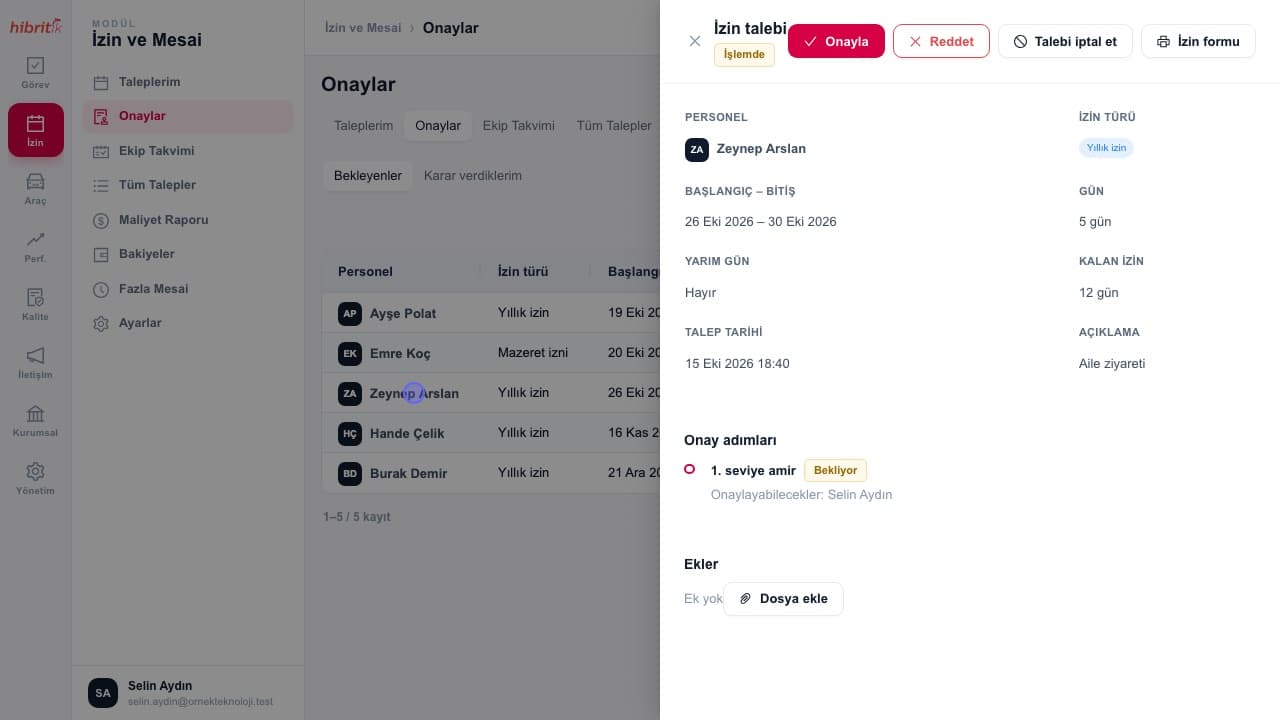
With HibritİKEvery revision stays inside the task as an activity and file; completed work goes to the manager for approval, waits for a tester’s result if one is assigned, and send-backs are recorded with a reason.
- 3Problem
Nobody knows whose capacity is full when new work comes in
With HibritİKThe workload screen compares planned hours with capacity per person and week; exceeded cells are highlighted and partial assignments count by share.
- 4Problem
Team members on a shoot or at a client cannot see the status of work
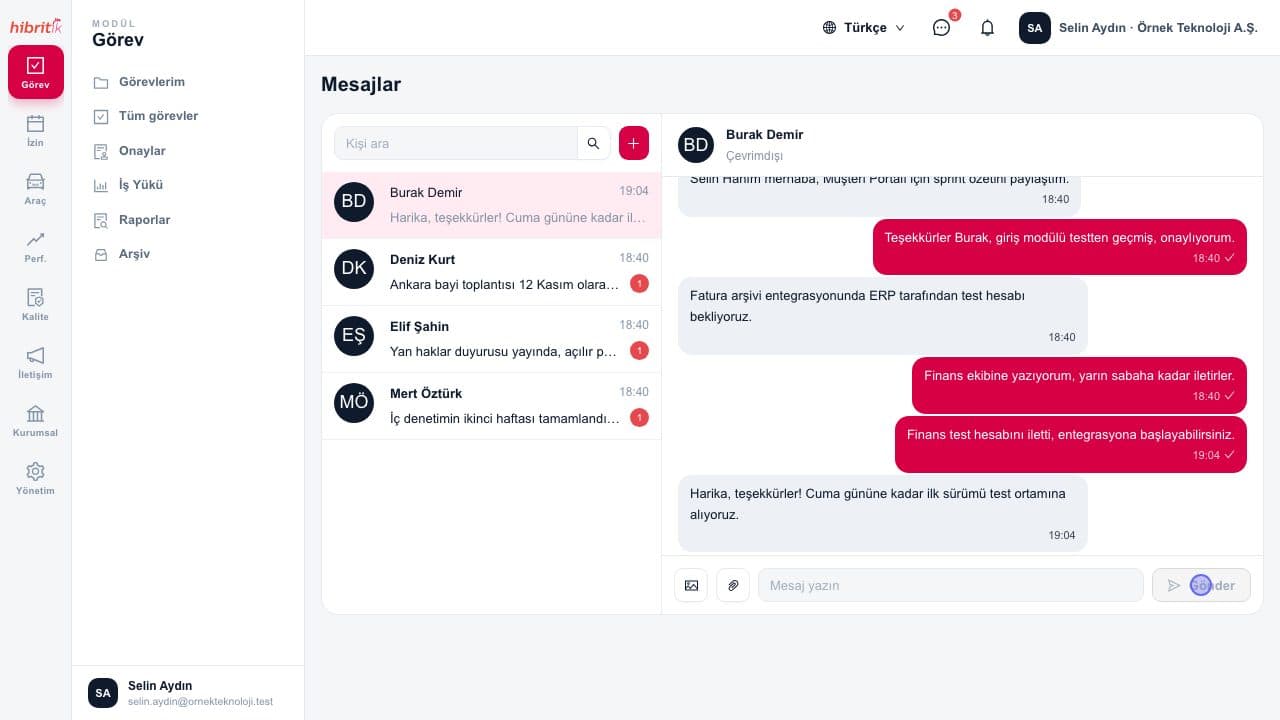
With HibritİKThe iOS and Android app offers the task list, activity entry and attachments from the camera; tasks and messages update in real time, and quick task opens a job in seconds.
Which modules stand out?
The modules work regardless of sector; these are the ones organisations in this sector benefit from most. Licensing is per module, so you enable only what you need.
Related features
Frequently asked questions
Can our clients see the status of their work?
People from outside the organisation can be added to the workspace as users, and each user sees only the data they are authorised for. Permissions are limited by role and scope.
Can we attach image and video files to tasks?
Yes. Files are added to activities by drag and drop, or from the camera or gallery on mobile, and the project page shows all files together.
Can the time spent on a job be tracked?
Yes. Time spent is recorded on every activity entry; the user activity report shows totals by person and project and exports to Excel.
Other industries
Is your sector not on the list?
The modules work regardless of sector; try it free for 14 days with your own team, or tell us about your sector.