Software and Technology Companies
Sprints, bugs and test items in one plan; the remote team on the same board
A software team’s work is a stream that never ends: new features, production bugs, improvements and technical debt all queue up at once. As the team grows and remote work becomes the norm, people want to see which sprint an item is in, who is working on what and what is ready for testing without calling a meeting.
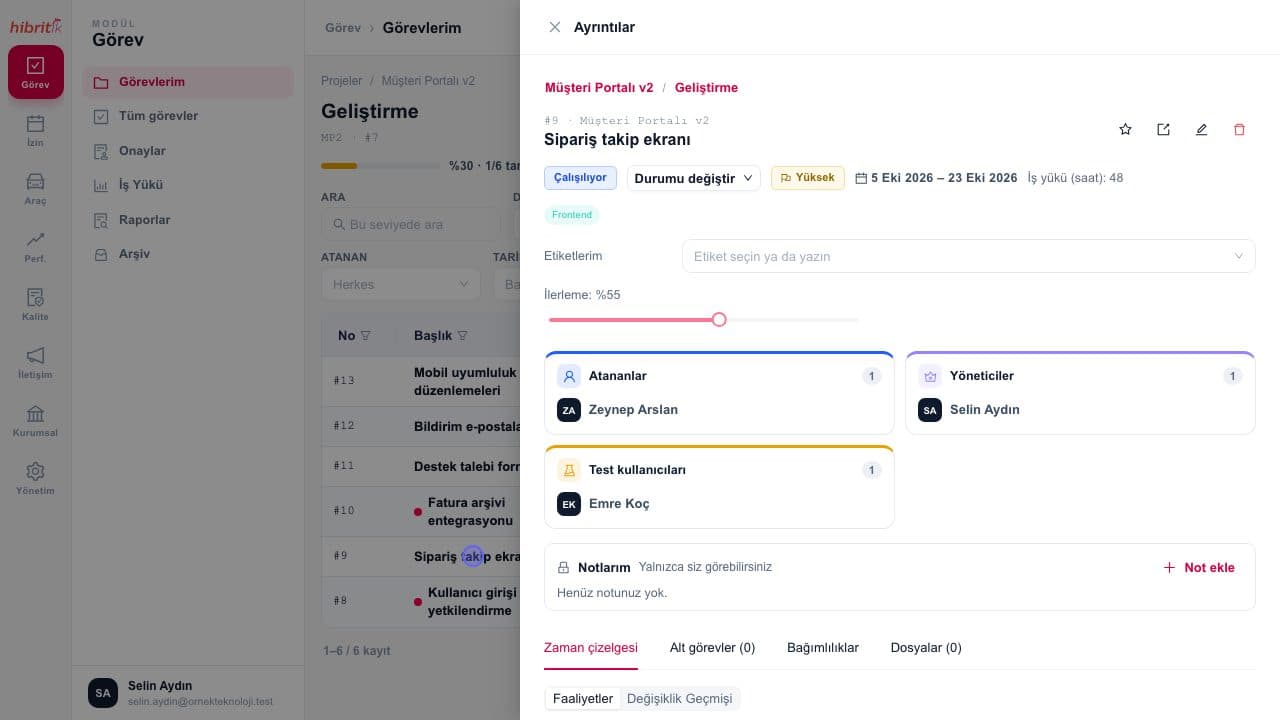
In HibritİK each sprint is opened as a root task; development, bug and test work is planned as its subtasks and the same work is viewed as a list, Kanban board, Gantt chart or calendar. Completed work goes to the tester and then to the manager; the AI task assistant suggests a title and description when a task is created and catches duplicates. The web, iOS and Android team behind Bidsee, a live-stream online auction platform, has managed all its work in HibritİK with monthly sprints since 2021.
References from this sector
 BidseeOn HibritİK cloud
This sector’s problems and the HibritİK answer
The problems organisations in this sector run into most often, and how HibritİK answers each one.
- 1Problem
New features and production bugs live in different tools, and prioritisation happens in meetings
With HibritİKThe sprint is opened as a root task, with development, bug and test items as subtasks in the same plan. Production bugs can be collected in a separate project, and the same work is viewed on Kanban, Gantt, list and calendar.
- 2Problem
Work marked as done closes without testing, and feedback gets lost
With HibritİKTasks with an assigned tester wait for a test result recorded as passed or failed. Tasks with a manager go to approval and can be sent back with a reason.
- 3Problem
Who is overloaded only becomes clear mid-sprint
With HibritİKThe workload screen shows planned hours against capacity per person and week; exceeded cells are highlighted and partial assignments count by share.
- 4Problem
The same bug is opened twice and task descriptions are left half-written
With HibritİKThe AI task assistant suggests a type, title and structured description, shows similar open tasks and offers to link follow-ups to the earlier task. The model runs on HibritİK’s own servers.
- 5Problem
The remote team runs work conversations in personal messaging apps
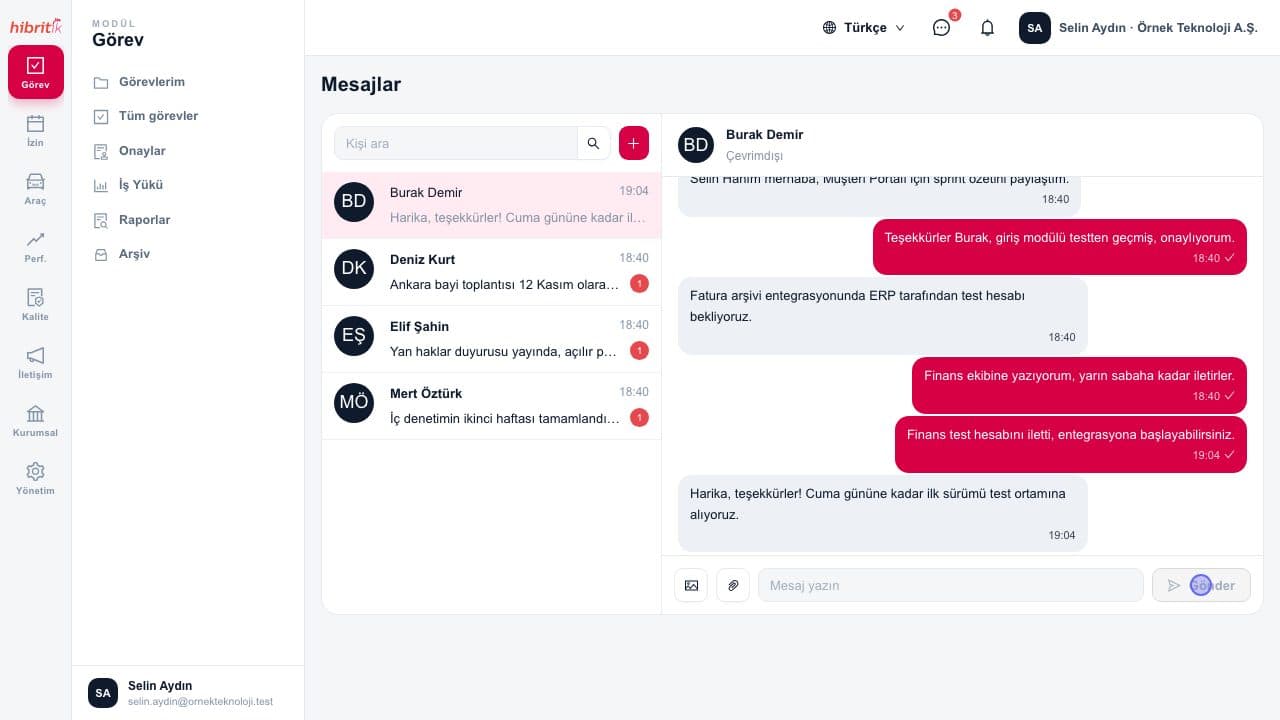
With HibritİKInternal messaging sits next to tasks and projects on the same platform and arrives as push notifications in the mobile app. Quick task creates a task in seconds on web and mobile.
Which modules stand out?
The modules work regardless of sector; these are the ones organisations in this sector benefit from most. Licensing is per module, so you enable only what you need.
Success stories from this sector
Related features
Frequently asked questions
Is there a separate structure for sprints and backlogs?
Sprints are opened as root tasks, and development, bug and test items are planned as their subtasks. Up to five levels of subtasks are supported, and status, percentage and approval roll up to the parent automatically.
Does the AI assistant send our task data anywhere?
No. The model runs on HibritİK’s own servers; task data is not sent to third-party AI services and suggestions are never saved automatically.
Can we integrate it with our own tools?
Yes. The REST API gives your other applications access to HibritİK data and operations; each integration gets its own account and an API key limited by role-based permissions.
Other industries
Is your sector not on the list?
The modules work regardless of sector; try it free for 14 days with your own team, or tell us about your sector.